 Timothée Chalamet Before vs. After (Dune: Part Three)
Woody Before vs. After Meme Generator
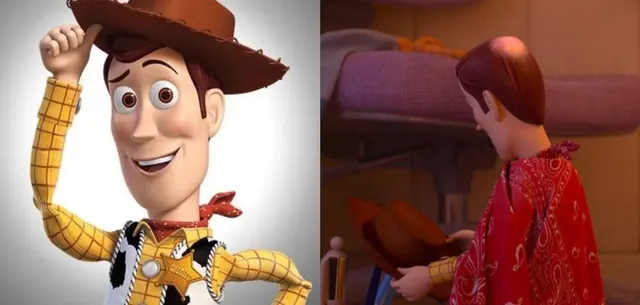
Label classic smiling Woody on the left and hat-off balding Woody on the right — before vs after getting wrecked by time.
Drag a box to move it, or its corners to resize. Everything renders on your device — nothing is uploaded.
Meme lore
What is the Woody Before vs. After meme?
Woody Before vs. After is a two-panel comparison: left is the Toy Story promo cowboy tipping his hat; right is the Toy Story 5 trailer still of Woody from behind, red paisley poncho, hat in his hands, paint worn off the crown so he looks bald. Used for aging, burnout, and “me then vs me now.”
Origin & history
The left still is classic Pixar Woody (Toy Story, 1995). The right still is from the Toy Story 5 trailer released February 19, 2026 (~1:20): Woody turns away, removes his hat, and a bald spot of worn paint shines. Know Your Meme logged Balding Woody the same day. Split “before/after” macros followed immediately on X and Reddit.
Left: Toy Story (Pixar/Disney, 1995) character art. Right: Toy Story 5 trailer, Pixar YouTube, February 19, 2026. Know Your Meme “Balding Woody,” 2026-02-19. This JPEG is a side-by-side of those two stills.
Caption this Woody Before vs. After meme with your own text in the editor above, then download the finished PNG free — for Reddit, X, Instagram, WhatsApp, Discord or the group chat.
Best used for
- Hair in high school versus hair now
- Me before the job versus me after the job
- A fandom in year one versus year ten
- Before kids versus after kids
- Any then-versus-now burnout joke
Template details
- Size
- 1697 × 810 px
- Download
- PNG
- Caption slots
- 2
- Layout
- Comparison
- Panels
- 2
- Category
- Trending
Step by step
How to make a Woody Before vs. After meme
- 1
Open the Woody Before vs. After template
The blank Woody Before vs. After meme is already loaded in the editor at the top of this page. There is nothing to install and no account to create.
- 2
Write your captions
Type into the before (left) and after (right) fields in the panel beside the image, or tap one of the example captions to start from a working joke.
- 3
Place the text
Drag a caption box on the image to move it, or drag a corner to resize it. The text rewraps and shrinks to fit as you go.
- 4
Download your meme
Press Download PNG for the finished 1697×810 image, or Copy to paste it straight into a chat. Turn the watermark off first if you would rather not have one.
How the joke works
Two labels only: left is the peak then, right is the worn now. Keep Impact off the faces and the bald crown.
Tone: nostalgic, a little brutal
then versus nowagingvisual contrastself-own
Caption tips
- Always fill exactly two captions — left before, right after.
- Keep labels in the sky above each Woody; do not cover the hat or the bald spot.
- Left is the boast; right is the letdown.
- Top/bottom captions that span both panels
- Covering the bald crown — that is the joke
- Swapping left/right roles
AI studio
Let AI write the captions
Describe the joke once and get four captioned variants on the templates that fit it — then open the one you like in this editor.
Generate captionsFor agents
memeworld ships a REST API and an MCP server, so Claude, Cursor or your own agent can pull this template, caption it and render the image.
GET /api/v1/templates/woody-before-vs-after-2106Agent docsWoody Before vs. After meme generator FAQ
What is the Woody Before vs. After meme?
Woody Before vs.
How do I make a Woody Before vs. After meme?
Open the editor at the top of this page, type your captions, drag the text where you want it, and download the finished PNG. It takes about twenty seconds.
Is the Woody Before vs. After meme generator free?
Yes. Captioning and downloading are free, there is no account to create, and there is no cap on how many you make.
How many captions does the Woody Before vs. After template take?
2 captions: before (left) and after (right). You can leave any of them blank, and you can move or resize each box on the image.
Where does the Woody Before vs. After template come from?
The left still is classic Pixar Woody (Toy Story, 1995). The right still is from the Toy Story 5 trailer released February 19, 2026 (~1:20): Woody turns away, removes his hat, and a bald spot of worn paint shines. Know Your Meme logged Balding Woody the same day. Split “before/after” macros followed immediately on X and Reddit.
What file do I get?
A 1697×810 PNG, ready to post to Reddit, X, Instagram, WhatsApp, Discord or the group chat.
Is there a watermark?
A small memeworld watermark is drawn in by default. Switch it off in the editor panel before you download and the export is clean.
Are my memes uploaded anywhere?
No. The renderer runs in your browser, so your captions and the finished image never leave your device.
Can an AI write Woody Before vs. After captions?
Yes. Describe your joke on the Create page and memeworld writes captions onto the templates that fit it, ready to open in this editor. Agents can do the same through the REST API and the MCP server.
Related meme templates
Templates that share tags with Woody Before vs. After — similar characters, formats and reactions, not just the most popular blanks.
Timothée Chalamet Before vs. After (Dune: Part Three) Jim Carrey Then vs. Now
 Doctor Manhattan It Is 1985
 Fresh Willem Dafoe vs Lighthouse Willem Dafoe
 Create This oinion wont make me cry oigon Meme Online
 Steve Buscemi Fellow Kids
 John Daly and Tiger Woods
 What Does He Even Do Blank Template
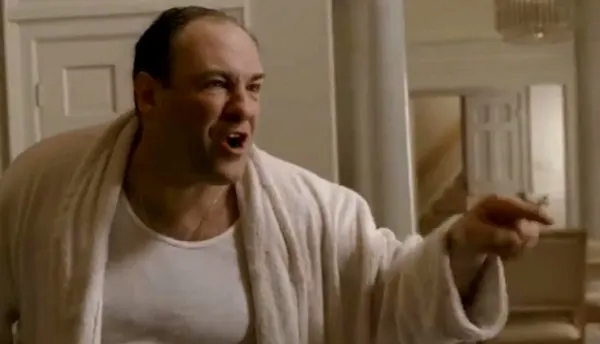 Tony Soprano In This House
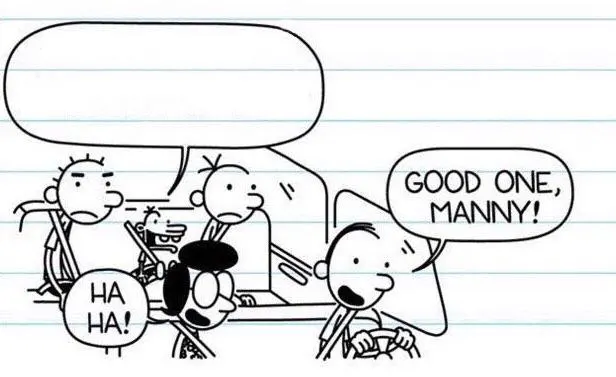 Good One, Manny!
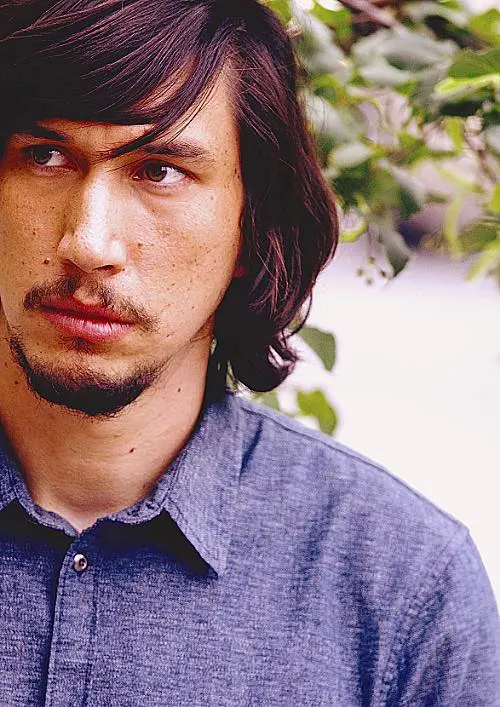 Adam Driver Side-Eye
 Barron Trump Before and After
 Olivia Wilde Before vs. After
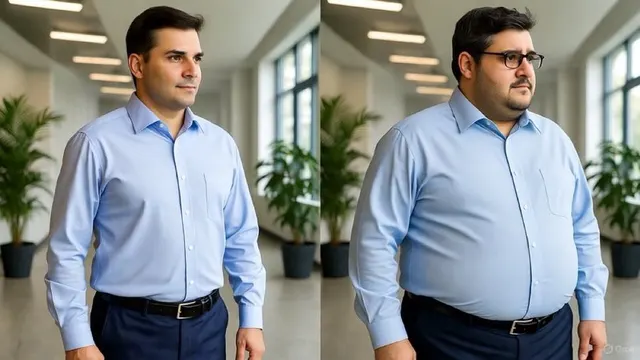 Fit vs. Overweight Office Leader
 Clavicular Before vs. After (4 Weeks Off Testosterone)
 Drowning Kid In The Pool
 Crying Boy On A Bench
 Look Son
 Shrek Yelling
 You See That Guy Over There? (Happy Face)
 Pointing Guy
 Bryan Johnson 2018–2025 Progression
 Yoda vs. Baby Yoda
 Man With Back PainTimothée Chalamet Before vs. After (Dune: Part Three)Fit vs. Overweight Office LeaderDrowning Kid In The PoolFresh Willem Dafoe vs Lighthouse Willem DafoeLook SonJohn Daly and Tiger WoodsPointing GuyBryan Johnson 2018–2025 ProgressionBarron Trump Before and AfterTimothée Chalamet Before vs. After (Dune: Part Three)Doctor Manhattan It Is 1985Steve Buscemi Fellow KidsWhat Does He Even Do Blank TemplatePointing GuyYoda vs. Baby YodaOlivia Wilde Before vs. AfterDrowning Kid In The PoolLook SonJohn Daly and Tiger WoodsAdam Driver Side-EyeTimothée Chalamet Before vs. After (Dune: Part Three)Crying Boy On A BenchYou See That Guy Over There? (Happy Face)Olivia Wilde Before vs. AfterFresh Willem Dafoe vs Lighthouse Willem DafoeSteve Buscemi Fellow KidsPointing GuyBarron Trump Before and AfterJim Carrey Then vs. NowCreate This oinion wont make me cry oigon Meme OnlineJohn Daly and Tiger WoodsBryan Johnson 2018–2025 ProgressionMan With Back Pain